A walkthrough that explains every screen
Record your screen, upload a video or a set of screenshots, or enter a website. Vistralo writes a line for each screen, speaks it, and holds the picture while the line plays.
The demo runs in your browser on sample projects. It needs no account.
Each screen, and the line said over it
3 stops
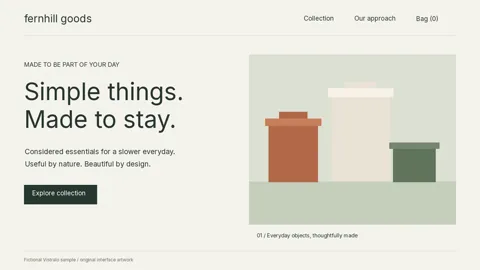
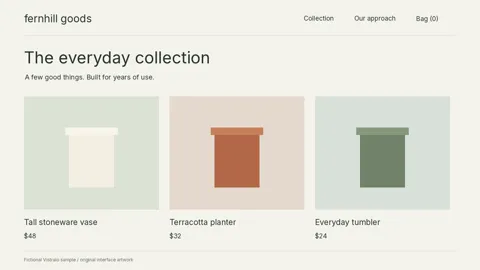
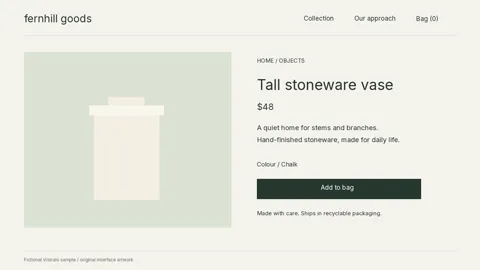
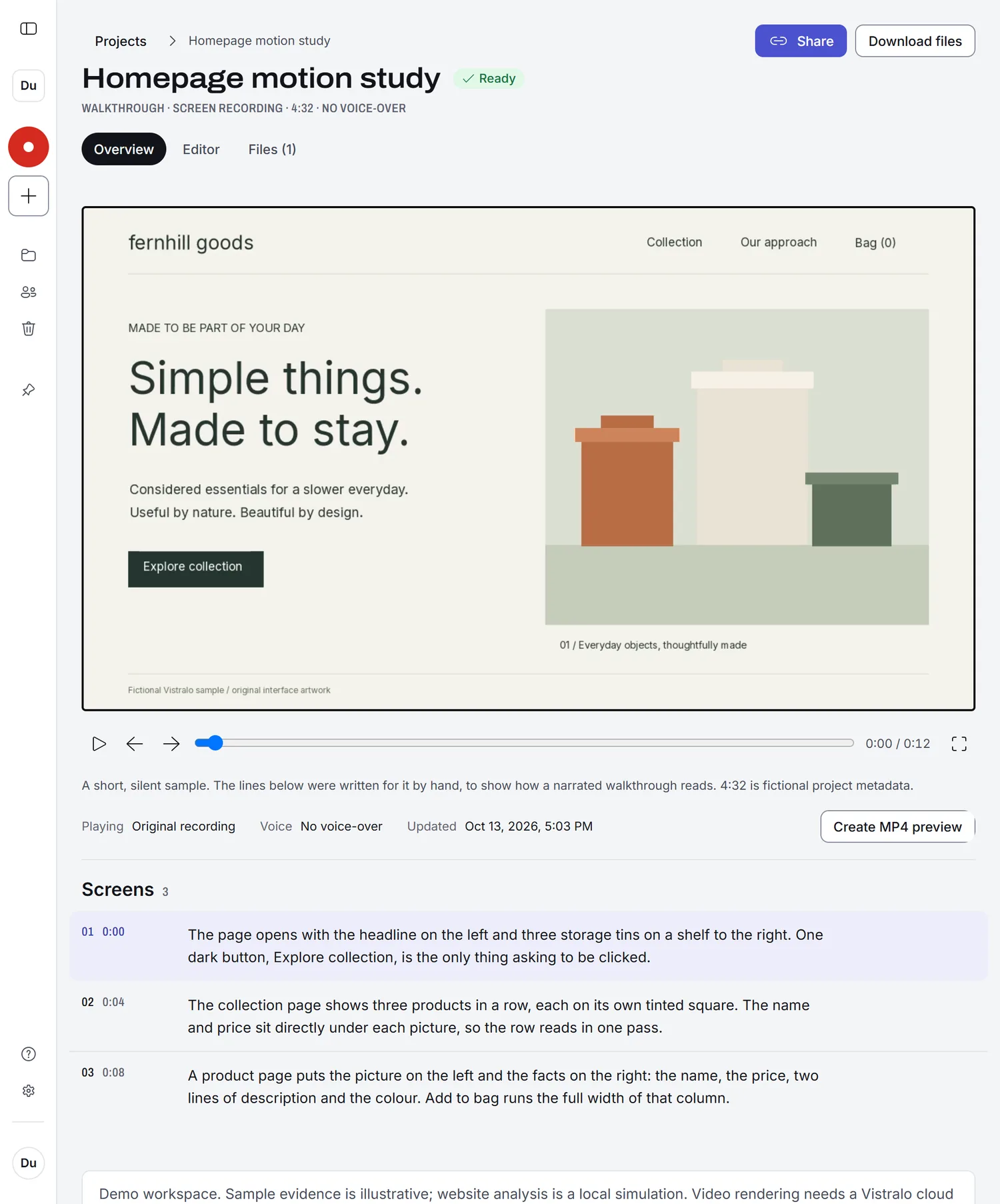
This film is an illustration made from the demo workspace's silent sample. Its lines were written by hand and appear as captions, each held for as long as it takes to say aloud. In a real walkthrough Vistralo writes the lines and an AI voice speaks them. Choose a stop to jump to its line.
A recording shows the screens. Someone still has to say what they mean.
In a raw take the cursor crosses the work and the next screen arrives before anyone has explained the last one. Vistralo stops on each screen for as long as its line takes, then moves on.
What you recorded
One pass through the store at the speed it was clicked. Every screen is there and none of them is explained.
What Vistralo hands back
The same footage, paused where each screen settles. The picture waits until the line about it has been said.
The take0:12
The film0:52
A screen held while its line playsThe recording in motion
The film runs longer than the take because every screen waits for its line. Both bars are drawn to the same scale, from the illustration above.
Three things you can hand it
Each one comes back with the explaining done.
01 · A recording or a video
A voiceover written from what is on screen
Record a tab, a window or part of the screen, or upload a video you already have. Vistralo finds where the view settles, writes one spoken line for each of those screens and pauses there while it plays.
How AI walkthroughs work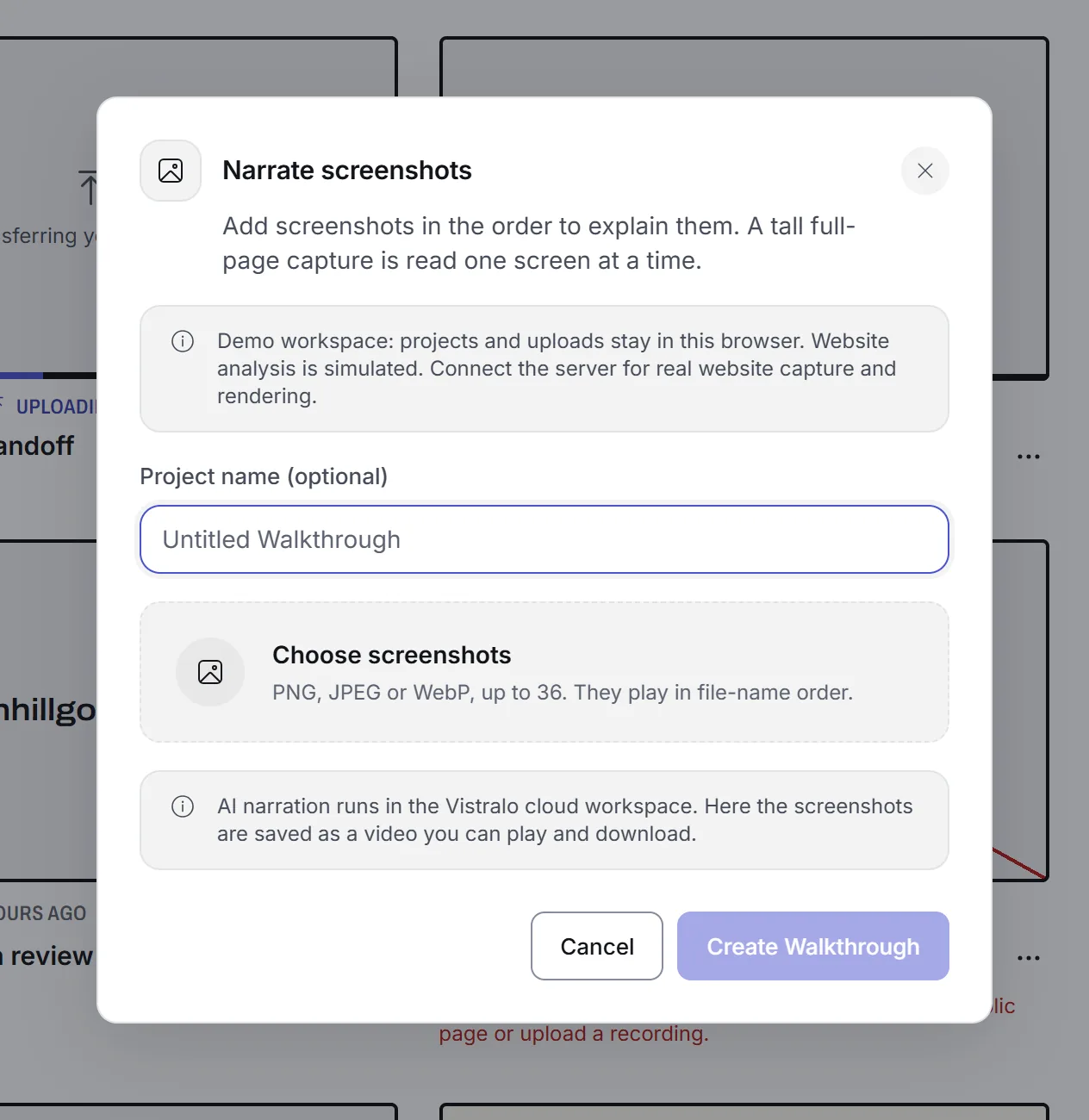
02 · A set of screenshots
A narrated video with no recording at all
Add up to 36 screenshots in the order you want them explained. Each image gets its own line, and a tall full-page capture is read one screen at a time.
How narrated screenshots work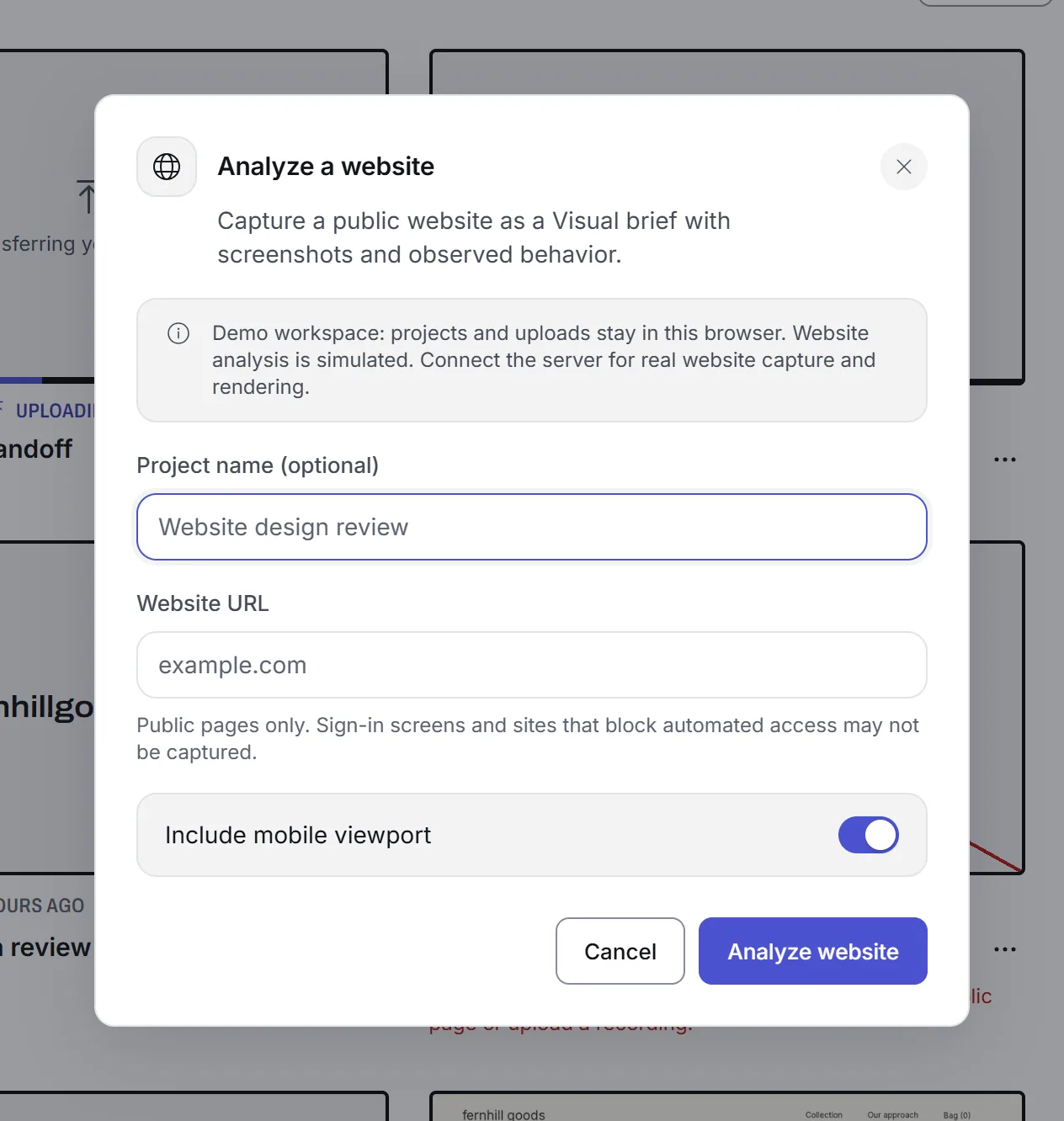
03 · A website address
A Visual brief that names what the page is built with
Enter a public URL. Vistralo captures the page at desktop and phone width, reads its code, and writes up the libraries, fonts and effects it found. Where the code does not prove something, the brief says "likely".
How website Visual briefs workAI narration is included on Pro and Studio
Vistralo writes the script with OpenAI and speaks it with HeyGen. On Pro and Studio this runs on Vistralo's own accounts with those two companies, so you need no keys and they do not bill you. Each walkthrough counts towards your plan's monthly number.
On Free, you add keys from your own OpenAI and HeyGen accounts and pay those companies directly for what a job uses. Pro and Studio customers can add their own keys too.
On your own keys you set a spending cap for each job, anywhere from one cent to fifty dollars. Keys are encrypted in your browser before they are saved. Only the worker that runs your jobs can open them, and the app cannot show them to anyone again.

Stop recording, and the link is ready
Record is one click from any page and goes straight to the browser's screen picker. When you stop, the recording opens as its own project with the share link offered first.
Whoever gets the link watches in a browser with no account. Links are read-only, they expire, and you can take one back at any time.
Four jobs it was built for
- Design reviewWalk a client through a page without booking a call. Each screen stays up while the decision behind it is explained.
- Engineering handoffRecord the feature once. The next person hears what each screen does and has the link before you have closed the tab.
- Product demosOne clean pass through the product becomes a narrated demo, with no script to write and no voice to record.
- Customer supportAnswer "how do I" with a short video made from a recording or a few screenshots.
Try it on sample projects first
The demo opens in your browser with eight sample projects. Nothing is uploaded and there is no account to create. It cannot run AI narration or visit a real website, so it shows a sample of each.
The demo runs in your browser on sample projects. It needs no account.