Vistralo/Website Visual briefs
A design teardown of any public website
You have found a page that does something well and want to know how. Screenshots show what it looks like and view-source shows everything at once. A Visual brief sits between the two: captures of the page with notes on the libraries, fonts and effects behind what you are looking at.
The demo runs in your browser on sample projects. It needs no account.
How it works
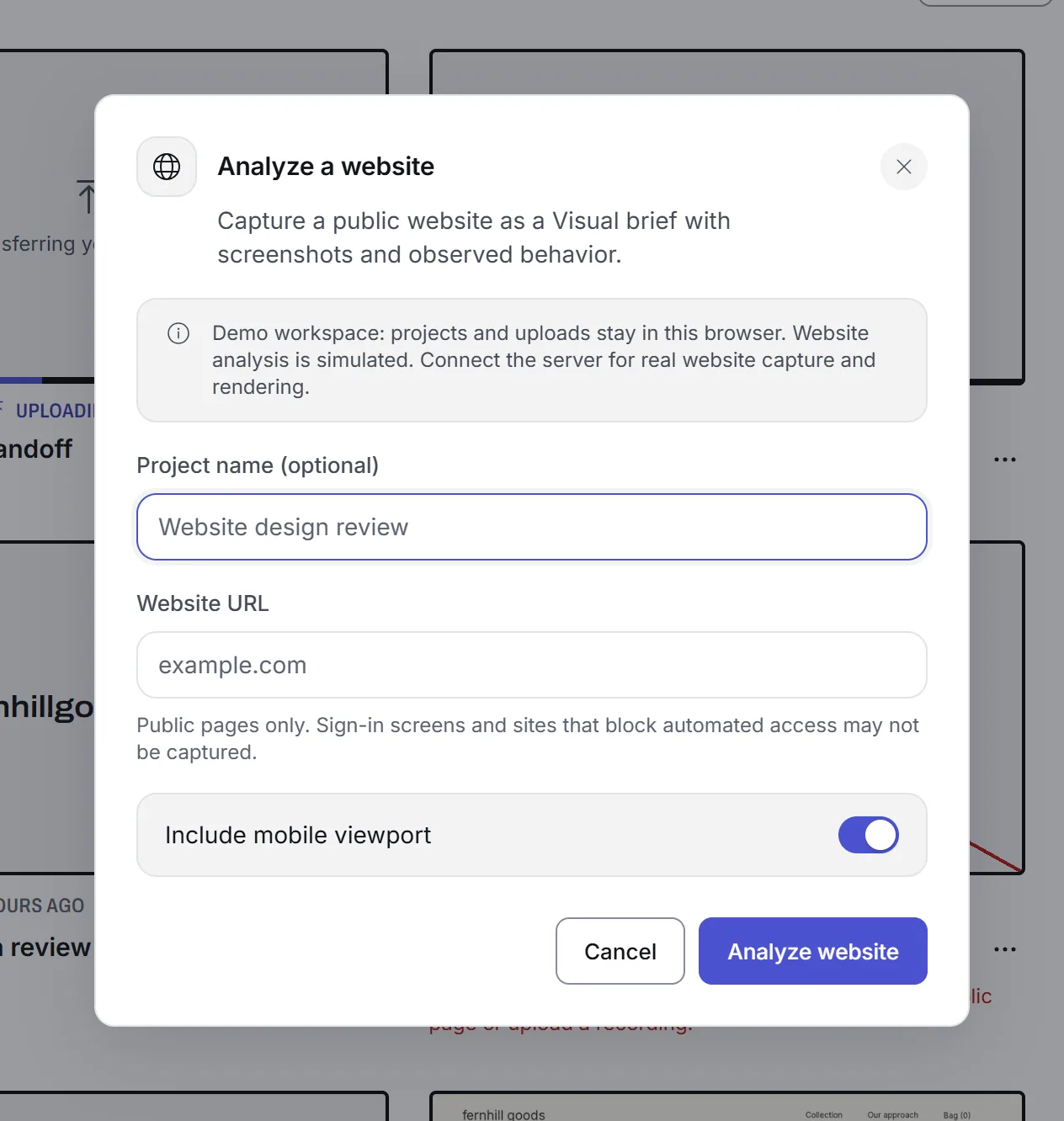
Enter a public address
Type the URL of a page anyone can open. Leave the phone-width capture on if the small-screen layout matters to you.
The page is opened and captured
A capture worker loads the page in a headless browser at 1440 pixels wide, and at 390 if you asked for the phone width. It scrolls through and records what it sees.
Its code is read
While the page is open, the worker looks at what the page actually loads and runs: which libraries, which fonts, which effects drive the motion.
The brief is written
You get a Visual brief you can edit: the captures, a summary of the stack, and notes section by section. Download files packs it with the stills into one ZIP for whoever builds from it.
It says "likely" when it is guessing
A claim that a page uses a particular library is only stated as fact when the page's code showed it. When the only evidence is how something looks in the capture, the brief marks it as likely.
That matters when the brief is going to someone who will build from it. A confident wrong answer about the stack costs them a day.
What it cannot read
- Pages behind a sign-in
- The worker opens the address as a visitor with no account. If the page needs you to sign in, it captures the sign-in screen.
- Private and local addresses
- Addresses on a private network, such as localhost or an office intranet, are refused. The worker runs on a server and cannot reach them.
- Sites that block automated visitors
- Some sites turn away anything that is not a person in a browser. The project then says it could not analyze the page and suggests recording it yourself.
- Pages you have no right to capture
- A public page can still show other people's work or personal details. Capture only what you are entitled to use.
Related
- Design reviewBring a reference site to a review with its stack already written up.
- AI walkthroughsRecord the same site yourself and have every screen narrated.
- Help: analyse a websiteThe form, the stages a capture goes through and what comes back.
- Help: what "public pages only" meansWhat the website reader can and cannot visit.