Vistralo/Use cases/Product demos
Product demos that narrate themselves
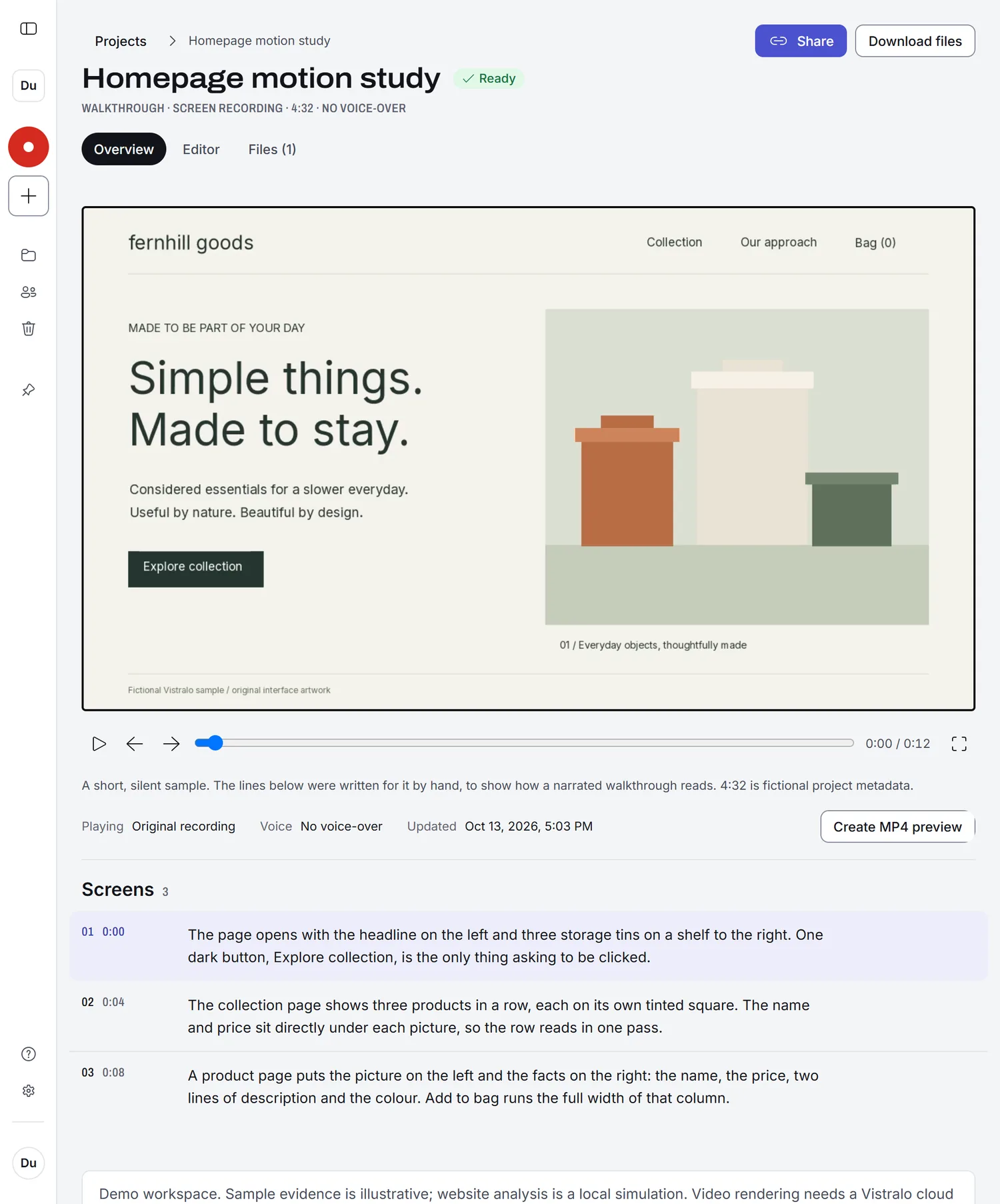
A demo video usually means a script, a quiet room and several takes, and it is out of date the week the interface changes. With Vistralo you click through the product once in silence. It writes the line for each screen, speaks it, and pauses there, so redoing the demo after a release takes one more recording.
The demo runs in your browser on sample projects. It needs no account.
From one pass to a demo
Plan the route, then record it
Decide which screens the demo should stop on and visit them in order. Pause for a moment on each one. Those pauses are where Vistralo places its stops.
Let it narrate
Each stop gets a spoken line about what is on the screen, and the picture holds until the line ends. A viewer never has to rewind to read something that scrolled away.
Trim and share
Cut the start and end in the editor if you need to, then send the link or download the video file to use elsewhere.
What kind of demo this is
Vistralo makes a video that people watch. The narration describes each screen in plain terms, the way a colleague would, and the viewer watches from start to end.
If you need a demo the viewer drives, with hotspots, branching and a form that collects leads, an interactive demo tool is the right choice. We have written up how Vistralo differs from two of them: Arcade and Supademo.