Vistralo/Use cases/Customer support
Answer a ticket with a walkthrough
Some answers take six numbered steps to write and the customer still gets lost at step four. Showing them is quicker, but recording yourself talking through it for every ticket is not. Click through the answer once, or drop in the screenshots you already took, and send a short video that explains each step aloud.
The demo runs in your browser on sample projects. It needs no account.
A reply the customer can watch
Capture the answer
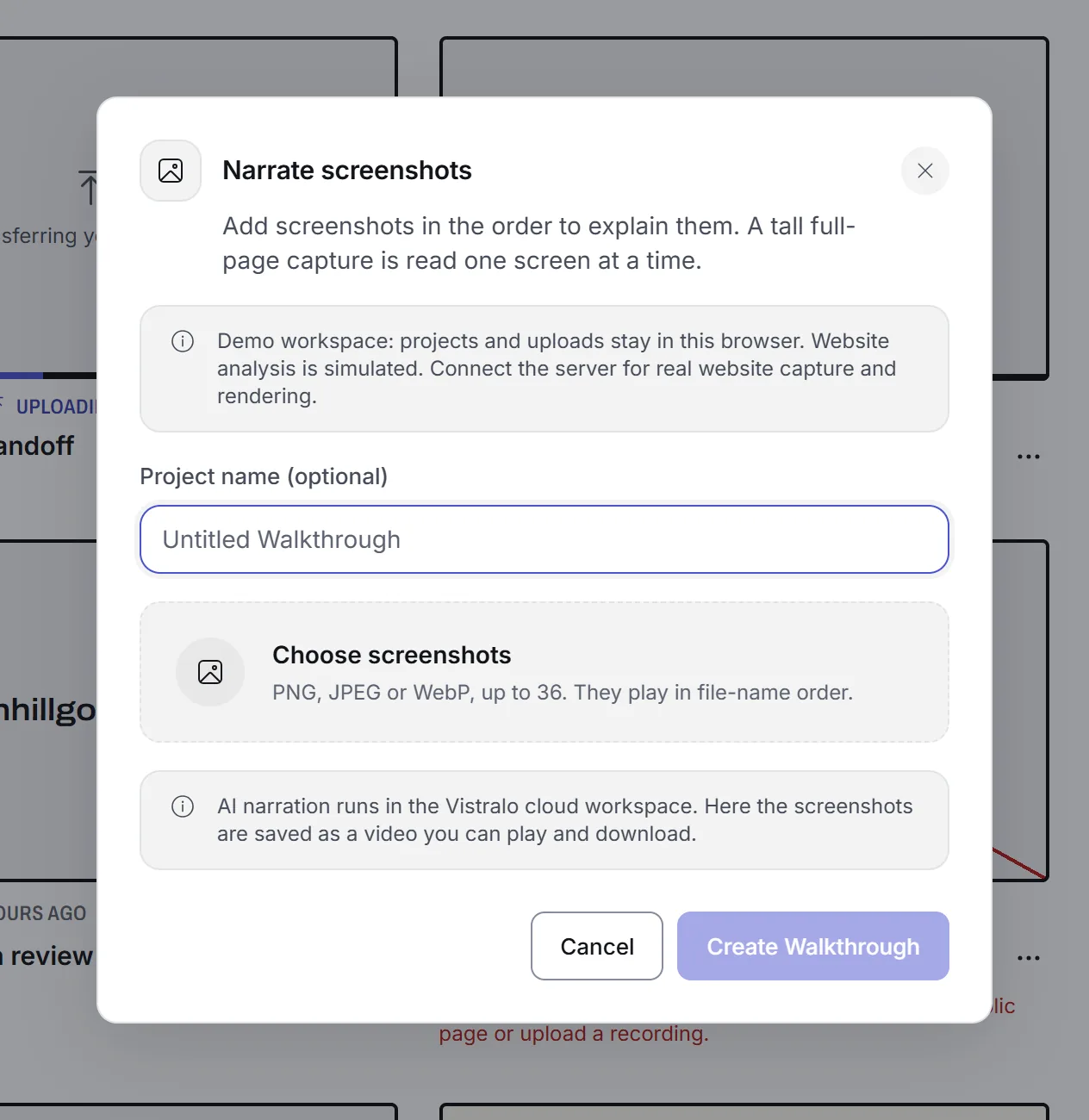
Record yourself doing the task in the product, or upload the screenshots from the ticket in the order the steps happen.
Each step is explained
Vistralo writes and speaks one line per screen and keeps the screen up while it plays. The customer sees each step and hears it described.
Send the link
Paste it into your reply. The customer opens it in any browser, on a phone if that is where they read their email, and needs no account.
Things to check before you send one
- What is in the frame?
- A recording of a customer's account can show their data. Record a test account, or share only the tab that shows what the answer needs.
- How long will the link work?
- Share links expire. You choose how long a link lasts when you create it, up to the limit of your plan, so a link in an old ticket may have stopped working.
- Is this a help desk?
- No. Vistralo makes the video and the link. It does not plug into a ticketing system, so you paste the link into the reply yourself.
Related
- Narrate screenshotsA narrated video from the images already in the ticket.
- AI walkthroughsThe same narration from a screen recording.
- Help: share links and expiryCreating a link, how long it lasts and what happens when it runs out.
- Help: who can see whatWhat a customer sees when they open your link, and what stays private.
- PricingHow long share links last on each plan.