Vistralo/Narrate screenshots
Turn screenshots into a narrated video
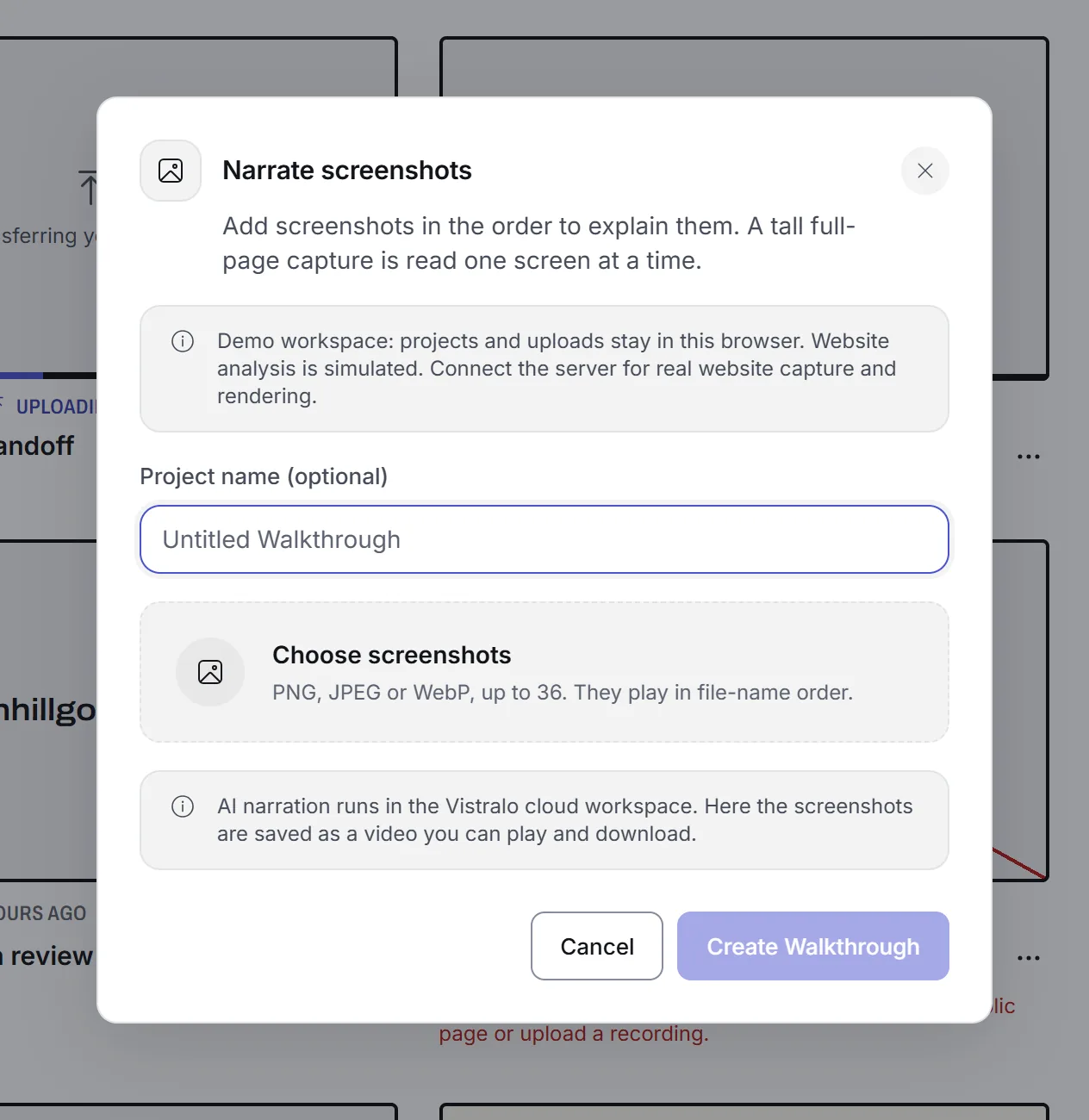
You have the screenshots, and recording the whole flow again just to talk over it is more work than the explanation deserves. Upload the images and Vistralo writes a spoken line for each one, voices it, and joins them into a walkthrough.
The demo runs in your browser on sample projects. It needs no account.
How it works
Choose the images
PNG, JPEG or WebP, up to 36 at a time. They play in file-name order, so numbering the files sets the order of the walkthrough.
Each image becomes a screen
One image is one stop. A tall capture of a whole page is too much to explain in a single line, so it is read one screen at a time from the top.
A line is written for each
The line describes what that image shows, and it is written from the image itself.
The lines are spoken and the film is built
Every image stays on screen for as long as its line lasts. The result is a video with a share link, the same as a walkthrough made from a recording.
When screenshots beat a recording
A recording is the right source when the movement matters: a transition, a drag, a page that loads in stages. Screenshots are the right source when the states matter and the route between them does not.
- A bug report where the three screens that count are already in the ticket.
- A set of design frames exported from a design tool before anything is built.
- A flow that sits behind a sign-in you cannot record again on demand.
- A before and after, where two images say more than a minute of scrolling.
What to know before you start
- Does the narration cost extra?
- Pro and Studio include it, and each job counts towards the plan's monthly number. On Free it runs on your own OpenAI and HeyGen keys, and those companies charge you for what a job uses. On your own keys, you set the most a single job may spend.
- How is the order decided?
- By file name, at the moment you upload. Number the files in the order you want them explained.
- Can I do this from my phone?
- There is no mobile app. Vistralo is a web app made for a desktop browser, and a phone is best used for watching and sharing what you made.
Related
- AI walkthroughsThe same narration from a screen recording or a video.
- Customer supportAnswer a ticket with a few screenshots and a voice.
- Design reviewWalk someone through frames before anything is built.
- Help: narrate screenshotsFormats, limits, the order of the images and how tall captures are read.