Vistralo/AI walkthroughs
Add a voiceover that knows what is on screen
A voice track laid over a screen recording keeps talking while the picture moves on. Vistralo works the other way round. It finds each screen in your recording, writes one line about that screen, and holds the picture still until the line has been spoken.
The demo runs in your browser on sample projects. It needs no account.
From recording to narrated film
Record, or upload
Press Record and choose a tab, a window or the whole screen in your browser's own picker. A count of three gives you time to get ready. If the video already exists, upload it instead. A stopped upload carries on when you choose the same file again.
Vistralo finds the screens
It watches the recording for the moments where the view settles: a new page, a scroll that lands, a pause. Each of those becomes a numbered screen.
It writes one line per screen
Frames from each screen go to OpenAI, which drafts a spoken line describing what is there. If you gave the address of the site you recorded, the page's own code is read too, so the line can name a font or a library with evidence behind it.
It speaks the lines and holds the picture
HeyGen voices each line. The film is then cut so that every screen freezes for exactly as long as its line lasts and moves on when the line ends.
You share the result
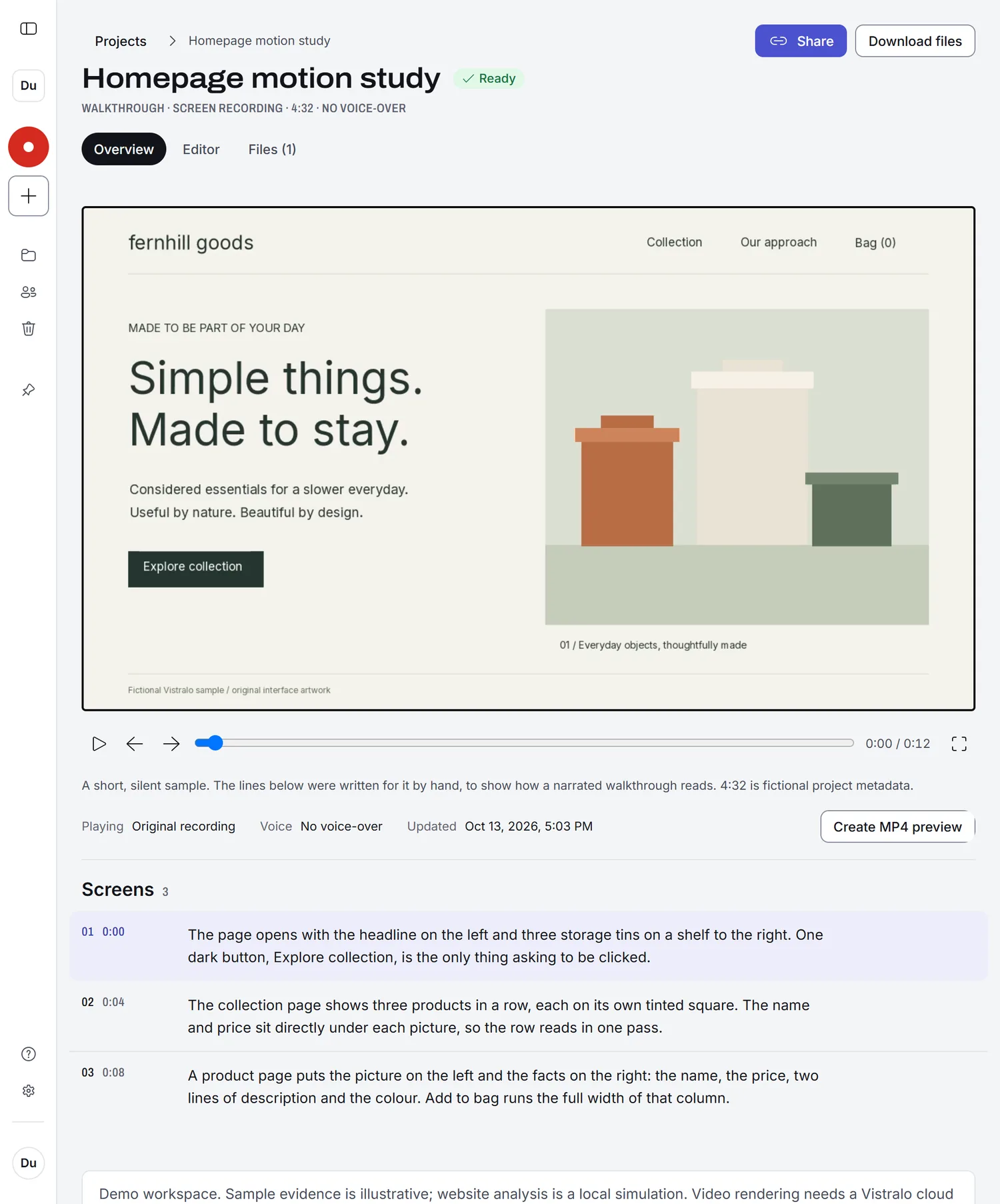
The project page shows the film with its screens listed underneath, numbered, each beside its line. Create a share link and anyone can watch without an account.
Two ways to record, and one for when the video exists
- Record an AI walkthroughYou stay silent and click through the product. The AI explains every screen after you stop.
- Record a talk-throughYour microphone is recorded with the screen, for the times your own voice is the point.
- Narrate a videoUpload a recording you already have and get the same narrated film from it.
What to know before you start
- Whose AI accounts does it use?
- On Pro and Studio, Vistralo's. Narration is included there and you need no keys. On Free, narration needs an OpenAI key and a HeyGen key from your own accounts, and you pay those companies for what each job uses. Every job has a spending cap, and every request has to fit inside it.
- How long can a recording be?
- A recording made in the browser stops at 1 GB and keeps what was captured up to that point. How many minutes of a recording are narrated depends on your plan.
- Where does it work?
- In a desktop browser. Recording needs the browser's screen capture, which phones do not offer, so a phone is for watching and sharing. There is no extension to install and no desktop app.
- How long does it take?
- A walkthrough is queued and then worked through, which takes minutes. The project page says which stage it has reached, and you can leave and come back.
Related
- Narrate screenshotsThe same narration from still images, with no recording.
- Engineering handoffExplain a feature once and send the link.
- Product demosA narrated demo from one pass through the product.
- Help: how the script is writtenWhat is looked at, what is sent to OpenAI, and what the AI can get wrong.
- Help: OpenAI and HeyGen keysWhen you need keys, where they go and how they are kept.
- Vistralo and Loom comparedWhat a plain recorder does better, and what it leaves to you.